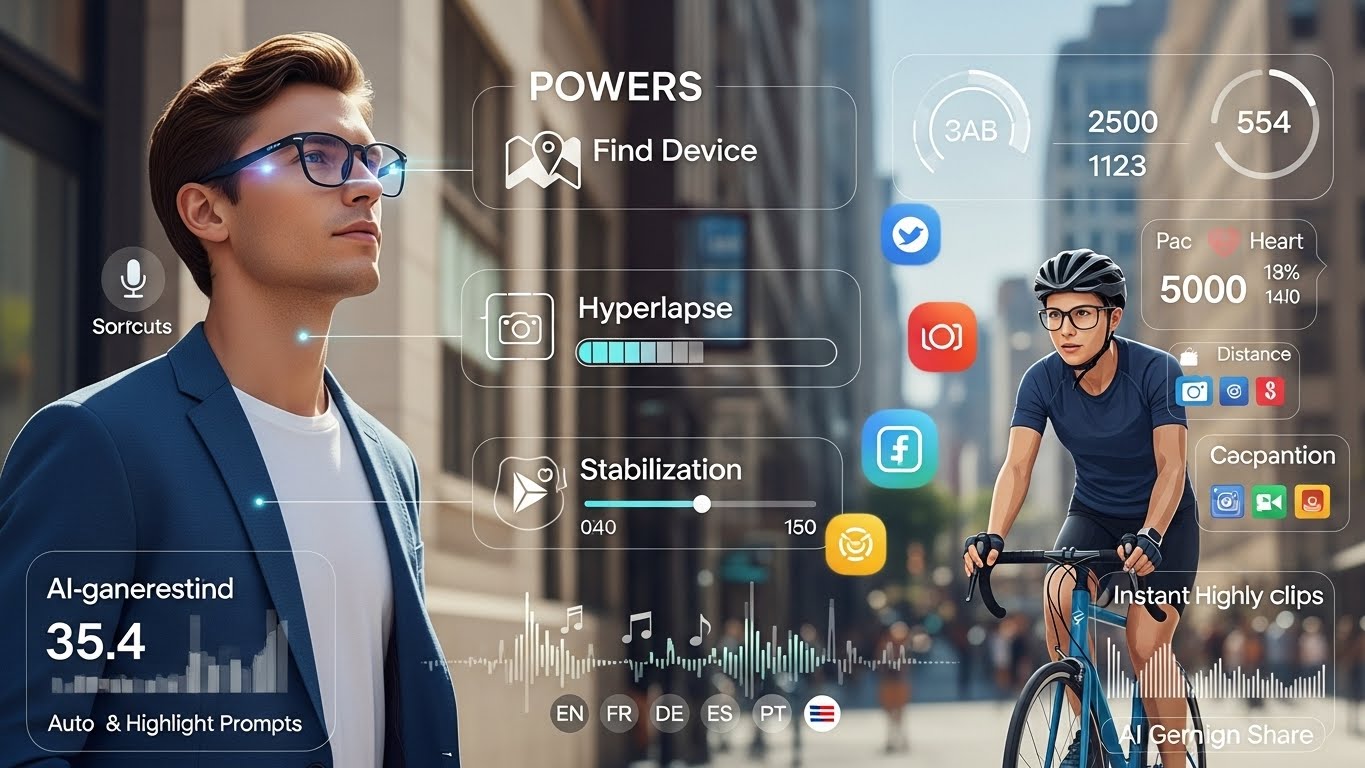
Imagine walking out the door, putting on your Ray-Ban Meta glasses, and knowing you’ve just updated your “face computer” with a fresh batch of powers — from smarter video capture to AI coaching for your workouts and music that matches your view in real time. That is exactly what Meta’s latest software update (version 21.0) just did for Ray-Ban Meta (gen 2) and Oakley Meta smart glasses. If you already own a pair, this update quietly transforms them into a more capable assistant; if you’re on the fence, it’s a glimpse into where everyday wearables are headed next.
This article breaks down the nine new features in simple language, shows how they fit into real life, and helps you decide which ones you’ll actually use — not just try once and forget.
The Big Picture: What’s New in Version 21.0
Meta’s AI glasses update 21.0 brings nine new features, seven of which work on both Ray-Ban and Oakley Meta glasses, plus two that are exclusive to Oakley Meta Vanguard users. The mix spans safety (Find Device), content creation (hyperlapse, slow motion, adjustable stabilization, quick sharing), fitness tools, and AI-powered music features.
Why this matters now:
- Wearables are shifting from “fun gadgets” to daily tools that replace pulling out your phone for basic tasks.
- The update leverages Meta AI more deeply, so you’re interacting more with your environment and less with screens.
Everyday Superpower: Find Device and Smarter Video
The most immediately useful upgrades are about avoiding frustration and capturing better video without fuss.
Find Device: Never Lose Your Glasses Again
The new Find Device feature remembers where your Meta AI app last connected to your glasses and shows that location on a map. You enable it in the app under Settings → Privacy & Security, where you can then see the last known spot your glasses were connected.
How this helps you:
- Left your glasses at a café or friend’s house? Check the map instead of retracing your day from memory.
- If you rotate between home, office, and gym, you’ll have a quick clue where to look first.
Hyperlapse and Slow Motion: Better Stories, Less Effort
You can now say “Hey Meta, start hyperlapse” to capture up to 30 minutes of video that plays back as a sped-up, smooth clip. For dramatic action, “Hey Meta, start slow motion” records up to 1 minute of slow-motion footage.
Real-life scenarios:
- Hyperlapse:Walking through a new city and condensing your 30-minute stroll into a 30-second highlight reel.Filming a setup process (like building a desk or cooking a recipe) without juggling a tripod and phone.
- Walking through a new city and condensing your 30-minute stroll into a 30-second highlight reel.
- Filming a setup process (like building a desk or cooking a recipe) without juggling a tripod and phone.
- Slow motion:Capturing your kid’s first goal, a skate trick, or your dog catching a frisbee — hands-free while you stay in the moment.
- Capturing your kid’s first goal, a skate trick, or your dog catching a frisbee — hands-free while you stay in the moment.
Because everything is voice-controlled, you’re less focused on framing a shot and more on experiencing what’s happening around you.
Adjustable Stabilization: Less Shaky, More Watchable
Meta added adjustable video stabilization so you can dial in how much smoothing is applied to your clips, or let the “auto-select” do the work. You tweak this in device settings under media and video settings in the Meta AI app.
Why it matters:
- You can lower stabilization for a more natural, “you are there” feel when casually walking.
- You can increase stabilization when recording action, like biking or running, for less motion sickness and more cinematic footage.
Share in Seconds: Voice-First Social Posting
The update makes going from “just captured this” to “already shared it” almost instant.
Quick Video Sharing to Instagram and Facebook
You can now say “Hey Meta, share that video to Instagram” or “…to Facebook” to share recent clips of 15 seconds or less directly to those platforms. The voice command can refer to “that video” or “the last video,” and the glasses will handle the rest.
Why this is a big quality-of-life upgrade:
- You skip the usual flow of unlocking your phone, opening the app, finding the clip, and uploading.
- It fits perfectly with short-form content, where raw, in-the-moment footage often performs best anyway.
Picture this: You’re at a concert, you capture 10 seconds of your favorite song, say “share that video to Instagram,” and go right back to enjoying the music — no screen needed.
Fitness and Performance: Oakley Vanguard’s Athlete Tools
Two of the most powerful new features are reserved for Oakley Meta Vanguard users, clearly aimed at active people and athletes.
Athlete Intelligence: AI Eyes on Your Workout
Athlete Intelligence connects your Oakley Vanguard glasses with Garmin devices, Apple Health, Google Health, or Strava to track workouts, surface stats, and even autocapture video clips based on milestones. Meta says this feature will gradually roll out to other glasses in the future.
What it can do for you:
- Automatically capture short clips when you hit pace or distance goals, giving you built-in highlight reels of your training sessions.
- Use AI-powered insights (like pace, cadence, heart rate, and distance) while staying heads-up and focused on the road or trail.
Think of it as having a coach and a videographer embedded in your glasses while you run or ride.
Garmin Workout Creation: Speak Your Training Plan
With a supported Garmin device plus Meta AI, you can say things like “Create a 1 hour bike ride targeting 20 miles per hour” and have a structured workout built for you. Workouts can target duration or distance for running or biking, with optional heart rate, pace, or cadence targets.
This changes the way you plan training:
- No more manually programming sessions on a watch or app — you just describe the workout in plain language.
- It encourages more intentional training because it becomes effortless to add structure instead of just “going for a run.”
Voice Shortcuts: Faster Commands for Athletes
Another Vanguard-only feature, Voice Shortcuts, lets you trigger commands without saying “Hey Meta” first. You set a single word as a shortcut and can pair those shortcuts with a Garmin device and a specific “Activity.”
Why this matters mid-workout:
- Less talking, less distraction; you can bark a single word to start recording, mark a lap, or capture a clip.
- In noisy or intense environments (like group rides or races), shorter commands are easier to get out and easier to be recognized.
AI-Powered Soundtrack: Music, Spotify, and Language Support
The update also leans into one of the biggest everyday use-cases for smart glasses: listening to audio while on the move.
Meta AI + Spotify: A Playlist for Your View
Meta AI can now create playlists with Spotify based on what you’re seeing, using voice prompts like “Hey Meta, play a song to go with my view.” This feature is currently limited to Spotify and available in English only.
Why it feels futuristic:
- You’re blending your physical surroundings with AI-driven music curation, turning walks, commutes, or travel into mini movie scenes.
- It reduces the friction of constantly choosing songs by offloading that micro-decision to AI while still keeping it context-aware.
Multilingual Music Control
You can now control your music in French, German, Italian, Spanish, or Portuguese with apps like Amazon Music, Apple Music, Shazam, or Spotify. This expands beyond English-only control and makes the glasses more practical globally.
This matters because:
- It makes smart glasses more inclusive and useful for non-English speakers or multilingual households.
- It fits travel scenarios, where speaking to your device in your strongest language is simply more natural.
How to Get the Update (and What to Try First)
Meta’s AI glasses software version 21.0 is available now; you just need to update via the Meta AI app. In the app, tap the glasses icon, then the settings gear, then go to Updates, where you can toggle automatic updates or check manually.
Suggested order to explore the new features:
- Turn on Find Device so you never have to panic about losing your glasses again.
- Test hyperlapse and slow motion on a walk, workout, or simple everyday task to feel the difference.
- Experiment with quick sharing to Instagram or Facebook and see how it changes your social posting habits.
- If you use Oakley Vanguards and Garmin, set up Athlete Intelligence and Voice Shortcuts before your next workout.
- Play with Meta AI + Spotify on a scenic walk and notice how it changes your relationship with both your environment and your music.
Mini scenario:
- Sam, a casual cyclist, updates his Oakley Vanguards and syncs them with his Garmin and Strava. On his next ride, Athlete Intelligence autocaptures short clips when he hits his fastest segment and longest climb, while Voice Shortcuts lets him mark intervals without touching his bike computer. When he gets home, he has both performance data and highlight clips ready to share — all without ever pulling out his phone.
Conclusion
This latest Ray-Ban Meta and Oakley Meta software update is less about flashy hardware and more about layering intelligence into everyday moments — finding your glasses, capturing better video, tracking workouts, and letting AI score your life with the right soundtrack. As these features roll out and improve, smart glasses move closer to becoming a core part of your daily toolkit, not just a cool toy for tech enthusiasts.
If you already own Meta-powered glasses, update them, try two or three of these features in real situations, and notice which ones genuinely stick in your routine. And if you’re still deciding whether smart glasses are “there yet,” this update suggests a clear direction: less screen time, more real-world presence, and AI quietly helping in the background as you move through your day.